Article
A laptop battery that dies by lunchtime is rarely bad luck — it is usually heat, age, or settings. Here is how to stretch every charge today and add years to the battery's overall life.
Stretch today's charge
Lower screen brightness a few notches, switch on battery-saver mode, and unplug power-hungry peripherals. Close browser tabs running video or heavy web apps, and prefer Wi-Fi over mobile hotspots — the display and the radio are the two biggest drains.
Treat heat as the enemy
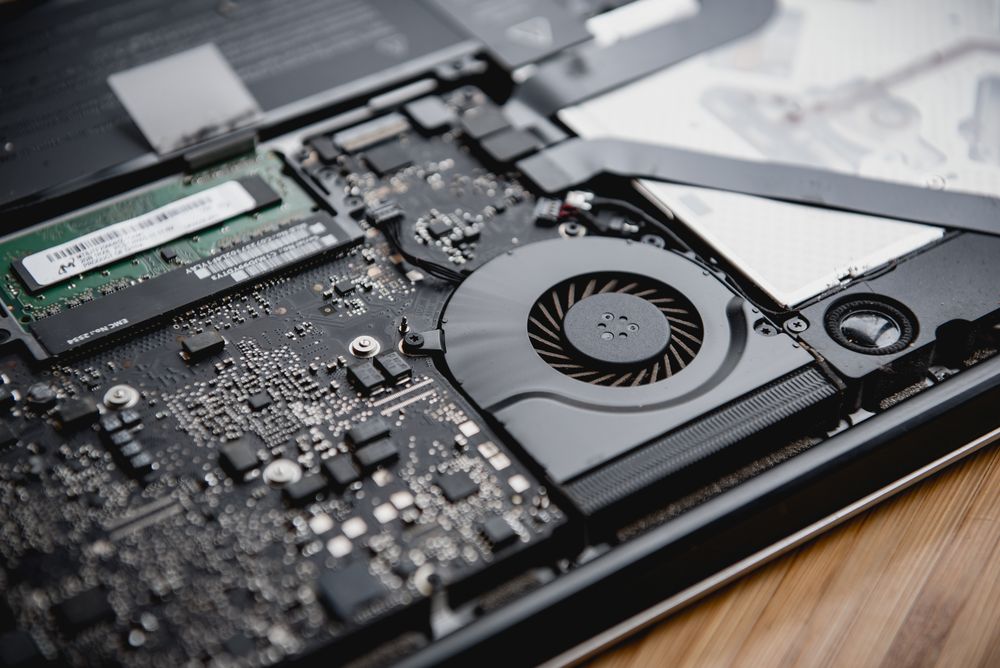
Batteries age fastest when hot. Don't use your laptop on a bed or cushion that blocks the vents, keep it out of direct sun and hot cars, and get the fans cleaned if the machine runs loud — clogged cooling forces the battery to work in an oven.
Charge smarter, not fuller
Keep charge levels between roughly 20% and 80% where you can, use your manufacturer's battery-care limiter if it offers one, and calibrate the gauge every few months with one full charge cycle. Most lithium cells deliver 300–500 full cycles before capacity fades noticeably.
When replacement is the answer
When runtime collapses despite good habits — or the battery swells, which means stop using it immediately — a genuine replacement fitted by a technician brings most laptops back to full-day life in under an hour. See our laptop repair service.
Battery barely holding on?
Genuine replacements fitted in under an hour.